A learner joins an online session, opens the workbook and immediately finds dense text, unclear instructions and a video without captions. Even excellent subject knowledge will struggle to make an impact in that situation. Accessibility training trends are increasingly focused on preventing these barriers before a course begins, rather than asking learners to work around them afterwards.
For organisations, trainers and adult learners, this is a welcome shift. Accessible training is not a specialist add-on reserved for disability awareness sessions. It affects how every course is designed, delivered and supported, whether the subject is communication, wellbeing, personal safety or digital skills.
Accessibility training trends are becoming more practical
Awareness still matters, but learners and employers now expect training to lead to better day-to-day decisions. A session on accessibility should help a manager run an inclusive meeting, help a tutor provide materials in a usable format, or help a team member communicate respectfully and confidently with colleagues and customers.
This has moved accessibility training away from policy-heavy presentations alone. The most useful programmes combine a clear explanation of barriers with realistic scenarios, opportunities to practise and time to ask questions. For example, rather than simply defining neurodiversity, a course might explore how to give clearer instructions, reduce unnecessary pressure in group tasks and offer sensible choices in how work is completed.
The trade-off is that practical training takes thought. Generic examples can feel distant from a learner's role, while highly tailored sessions require more planning. For many organisations, a blended approach works well: establish shared principles through online learning, then use a live workshop or 1-to-1 session to apply them to real situations.
Accessible course design is part of the learning experience
One of the strongest trends is the growing recognition that training itself must model the inclusion it promotes. If a course asks people to understand accessibility but is difficult to navigate or follow, it sends the wrong message.
Clear structure is a starting point. Learners benefit when modules have logical headings, instructions are written in plain English and activities explain what is expected. Shorter sections can make content easier to process, particularly for people balancing study with work, caring responsibilities or health needs. They also make it simpler to pause and return without losing the thread.
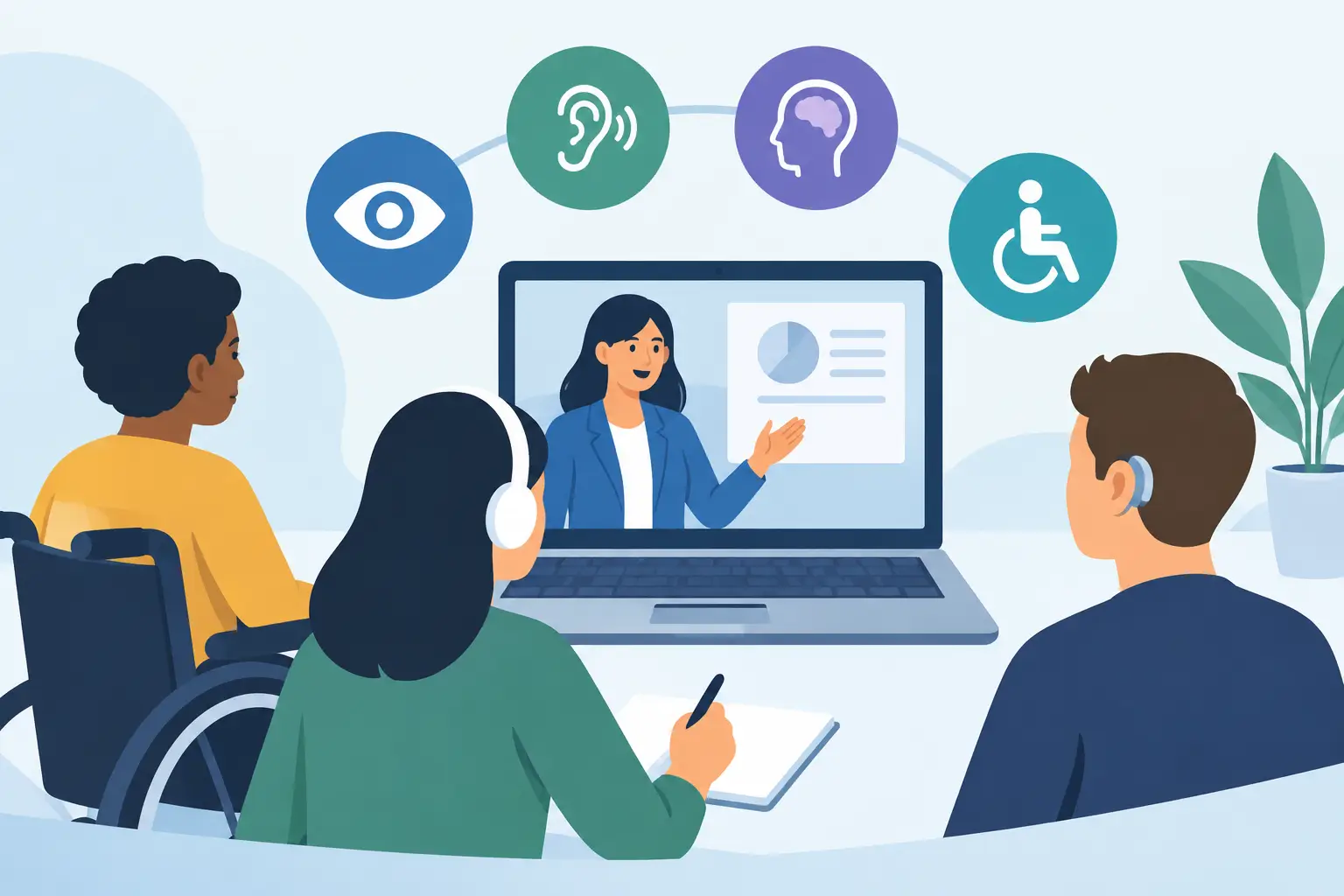
Format choice is equally valuable. A written guide may suit one person, while another may learn more easily through a short video, a live demonstration or a conversation with a tutor. Captions and transcripts support deaf and hard-of-hearing learners, but they are also useful when someone is studying in a noisy household or cannot play audio. Downloadable materials can help learners who need extra time or prefer to study away from a screen.
Choice should be purposeful, not overwhelming. Offering five platforms, several duplicated resources and too many instructions can create a new barrier. The aim is to give people workable routes through the same learning outcome, supported by consistent signposting.
Flexible delivery needs human support
Self-paced online learning has become an established part of adult education, particularly for people who need to study around employment or personal commitments. Yet flexibility does not mean leaving learners on their own. One of the more meaningful accessibility training trends is a return to direct support alongside digital content.
A tutor check-in can identify a problem that a learning platform will not spot: a learner may be unsure how to contribute during live sessions, may need clarification on a task, or may simply lack confidence after time away from education. Personal contact also gives learners a straightforward way to discuss adjustments without having to repeatedly explain their circumstances to different people.
Live online sessions, on-site delivery and individual support each have a place. The right option depends on the group, the learning objective and the practical setting. A dispersed workforce may need online sessions, while a team learning a new workplace process may benefit more from practising together in person. The key is to ask early, rather than assuming one format will suit everybody.
Disability awareness is becoming more specific
Broad disability awareness remains useful as an introduction, but many learners now want more than a list of conditions or a reminder to be respectful. They want to understand the social and practical barriers people encounter, and what they can do differently.
Good training avoids treating disabled people as a single group with identical needs. It recognises that access needs vary, can change over time and may not be visible. It also avoids presenting a diagnosis as the most relevant fact about a person. A colleague may want a meeting agenda in advance, extra time to review information, a quiet space, captions, or a different way to contribute. The helpful response is to focus on the barrier and the adjustment, not assumptions.
Language also requires care. Terminology changes, and people may have different preferences. A confident trainer creates room for respectful questions while making it clear that curiosity must not become pressure on an individual to disclose personal information or educate everyone else.
For organisations, this approach can support better customer service as well as better workplace culture. Staff who understand how barriers arise are more likely to notice issues in forms, communications, events and digital services before someone has to complain.
Digital accessibility is moving beyond a technical checklist
Digital skills training increasingly includes accessibility because so much learning and communication happens online. But accessible digital practice is not only the responsibility of web developers. Anyone who creates slides, documents, emails, videos or social posts can make choices that either help or hinder people.
Training is becoming more effective when it teaches a few repeatable habits. Use meaningful headings so documents are easier to scan. Describe the purpose of an image when it carries information. Avoid relying on colour alone to show what is urgent or correct. Make links and buttons clear. Check that video content can be understood without sound.
These habits improve usability for everyone. A well-structured document is easier to review quickly. Captions help people watching on public transport. Clear contrast helps when a screen is dim or glare makes text harder to read. Accessibility and good communication often support the same outcome.
That said, automated accessibility checkers have limits. They can highlight missing headings or poor contrast, but they cannot always judge whether an explanation is useful, whether a form makes sense or whether a task is unnecessarily complicated. Human review remains essential, ideally including feedback from people with lived experience of different access needs.
Measuring confidence as well as completion
Course completion figures are useful, but they do not show whether learners can apply what they have learned. Providers and employers are beginning to look more closely at confidence, behaviour and learner feedback.
A short follow-up question can be revealing: what will you change in your next meeting, document or customer interaction? Where appropriate, managers can review whether accessible practices are appearing in everyday work. This should be about improving systems, not monitoring individuals or expecting instant perfection.
Feedback methods must be accessible too. Some people will speak openly in a discussion, while others will offer better feedback anonymously or in writing. Giving more than one route helps trainers understand what worked and what needs improving.
What to look for in accessibility training
When choosing a course or arranging a bespoke programme, start with the outcomes you need. A staff team may require practical disability awareness and inclusive communication. Trainers may need support to make sessions and materials more accessible. A digital team may need focused guidance on accessible documents, video or web content.
Look for learning that is clear about its format, provides opportunities to ask questions and can be adapted to the group. Experienced educators should be able to explain how they will support participation, not simply state that a course is inclusive. At Training The Wright Way, flexible online and on-site options can be paired with direct tutor support where learners or organisations need a more personalised approach.
Accessibility is not achieved by a single course, a tick-box form or one well-meaning conversation. It grows through small, repeatable choices that make learning easier to join, understand and use. The best place to begin is with the next course you plan: ask what could stop someone taking part, then give them a better way in.